 ScreenSmooth
Welcome to ScreenSmooth!
Follow these simple steps to get started with your screen recording extension
Download Extension
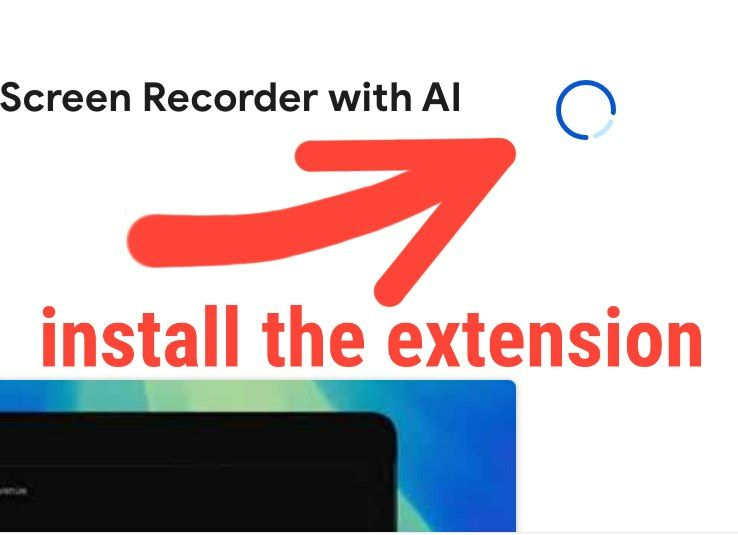
Click the button below to download the ScreenSmooth extension file. You will receive a .zip file containing the extension.
 Download Extension
Check Your Email
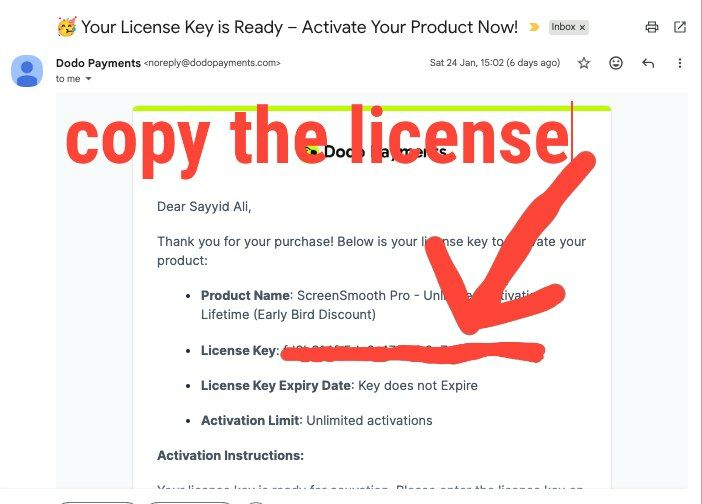
You should have received an email with your license key. Check your inbox (and spam folder) for the email from ScreenSmooth with your activation details.
Activate License
1. Open the extension icon in Chrome
2. Click on the Activate button on the bottom left corner
3. Paste your license key from the email
4. Click "Activate"
Done! You're ready to record
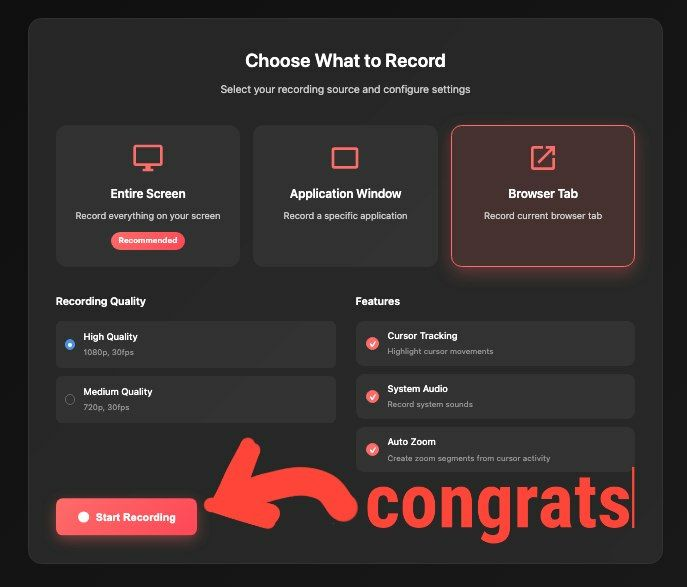
Start Recording
Click "Start Recording" and ScreenSmooth will automatically zoom on your clicks and important actions.