Changelog
We're constantly improving ScreenSmooth. See what's new.
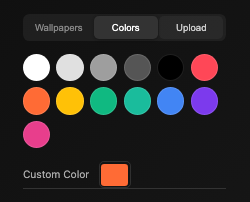
Choose from preset wallpapers, 12 color swatches with custom color picker, or upload your own image.
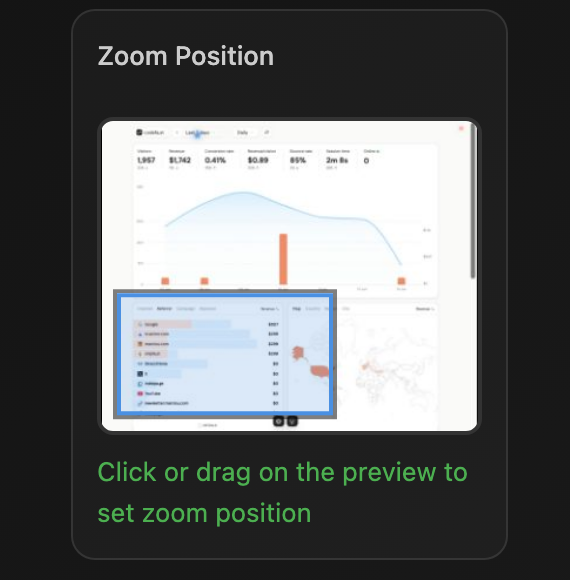
Click or drag on the position preview to set zoom exactly where you want it.
Remove unwanted zoom segments with the new Delete button.
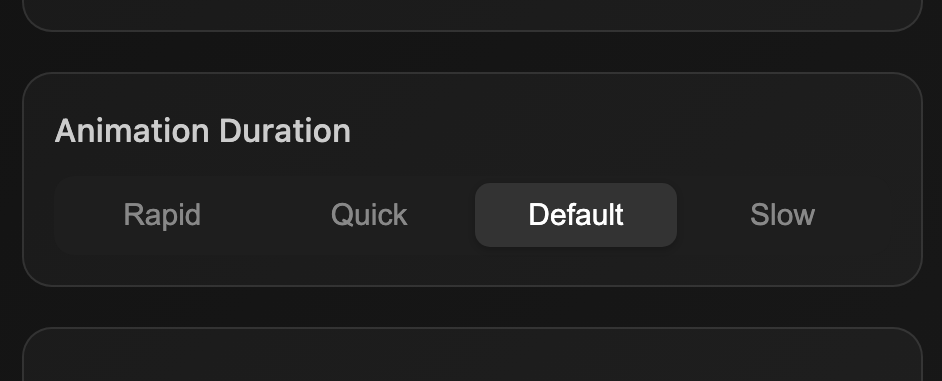
Animation duration preset now applies only to the selected segment instead of globally.
Zoom indicator now shows the actual visible area as a rectangle instead of a dot. Size adjusts dynamically with zoom intensity.
New zoom segments now auto-align to the cursor's position, making auto-zooms more accurate.
Zoom snaps instantly on first entry and pans smoothly between segments. Zoom-out speed now matches zoom-in for consistency.
Sidebar now follows the active segment during playback. Selection clears when no segment is active.
Fixed MP4 export hanging by switching to single-threaded FFmpeg core. Added visible warning banners when the video engine fails to load, with disabled MP4/GIF options. Format conversion now works in both Share and Download.
Fixed a bug where changing animation duration preset in the zoom editor applied globally to all zoom segments instead of only the selected segment.
- Improved and polished UI
- Other bug fixes and improvements
Fixed a bug that caused exported videos to be truncated. The issue was in the video export logic in record.js.
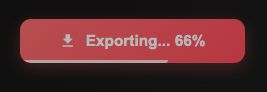
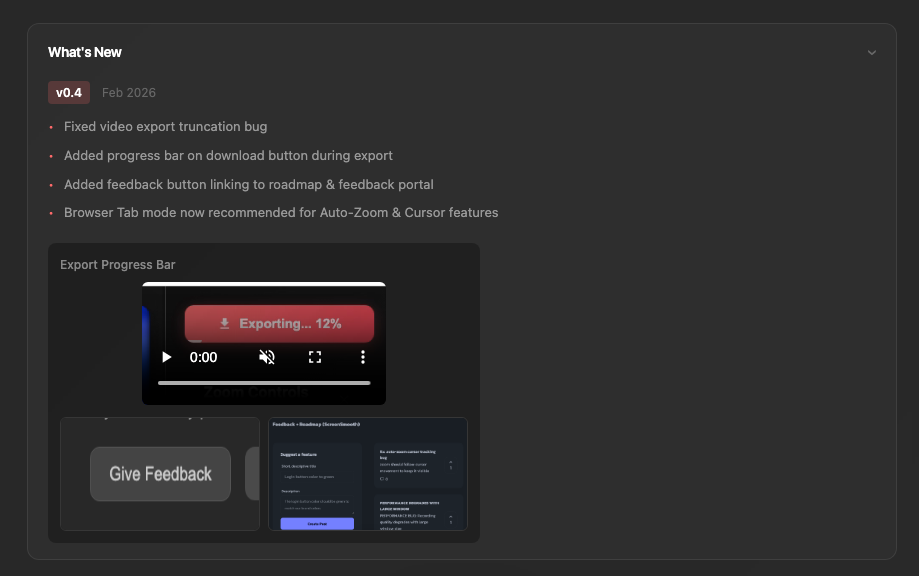
Visual progress indicator that shows export progress percentage while the video is being processed and exported.
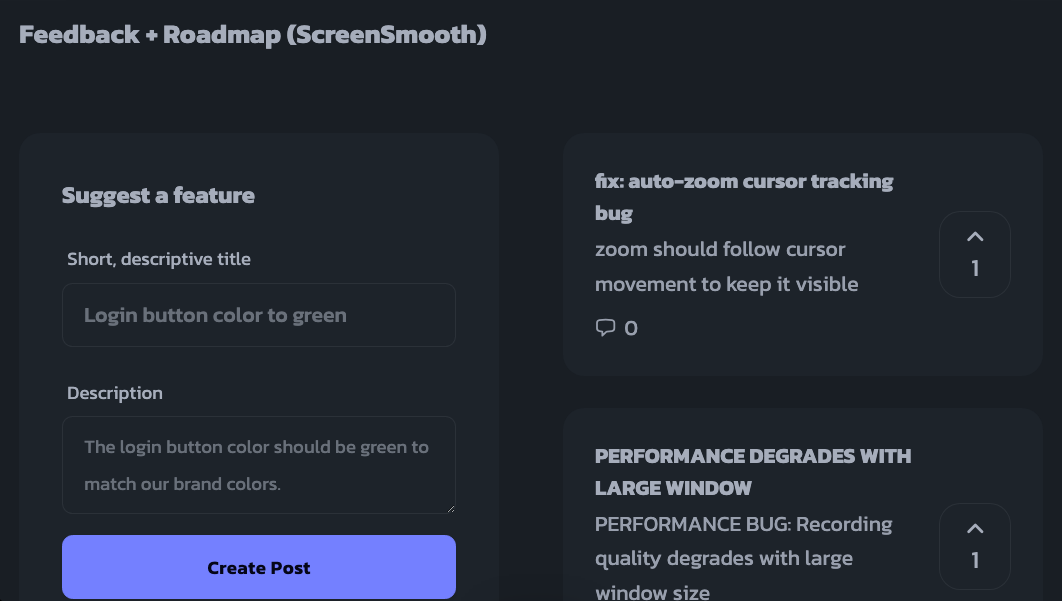
New feedback button that redirects users to a page where they can submit feedback and view the product roadmap.
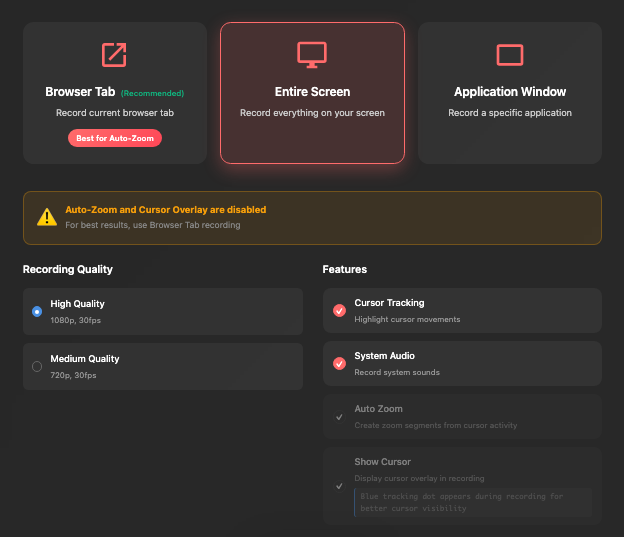
Warns users that Auto-Zoom and Cursor Overlay only work in Browser Tab mode. Reordered recording options with Browser Tab now first (marked "Recommended"). Added warning box for "Entire Screen" or "Application Window" modes.
New collapsible section that displays version updates with media to users. Includes toggle arrow and version v0.4 with bullet points.
Reduced default zoom intensity from 2x to 1.5x to make auto-zoom more subtle and natural by default.

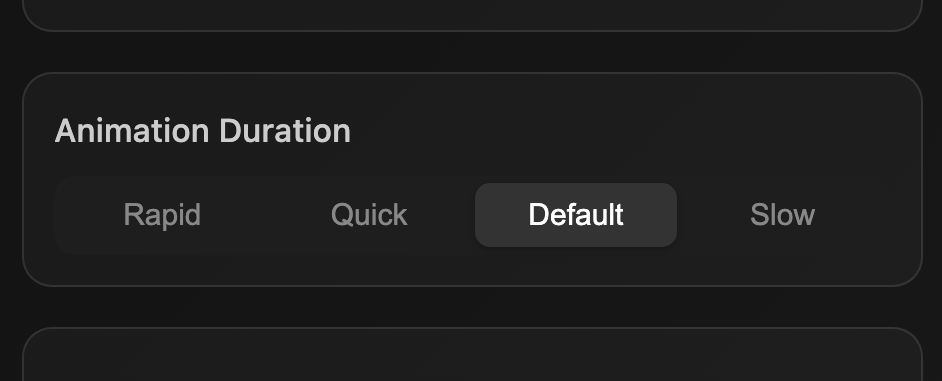
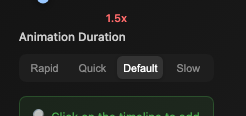
Changed animation duration control from slider to segmented control buttons (Rapid/Quick/Default/Slow). Replaces old cubic bezier easing with spring physics system.
Added createSpring(), ensureZoomSprings(), and ensureCursorSprings() methods. Replaces transition-based animation with stateful spring physics (position + velocity) for smoother, more natural animation.
Fixed zoom jitter by removing duplicate getZoomStateAtTime calls per frame. Added spring snapping on seek to prevent cursor "flyback". Uses currentZoomState directly instead of recalculating.
useRealtimeZoom is now always false - auto-zoom only works post-recording for better performance and reliability.
Added autoZoomClickEvents array to capture clicks during recording. Generates zoom segments from clicks after recording stops.
- Fixed manual zoom bug
- Cursor alignment
- Cleaner license flow
- Detail docs
- Save your last preferences
- Added "wall of love" on landing page
- Better "auto zoom" detection
- More secure license validation
- Stability improvements
- Fixed: countdown timer bug
- Fixed: export license bug
- auto zoom (auto zooms in on clicks)
- Smooth cursor (transform shaky mouse movements into professional)
- Fast export (HD MP4 in ~2s)